Email setup guide
Configuring Microsoft Outlook 2013
Step 1: Open Outlook 2013. If this is the first time you have opened Outlook you will be directed to the new account wizard. If you already have an account set up, click “File”, then “Add account” and skip to step 3.
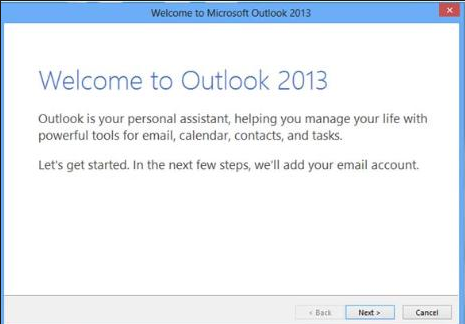
Step 2: When the “Welcome to Outlook 2013” dialogue box opens, click “Next”, then Next again.
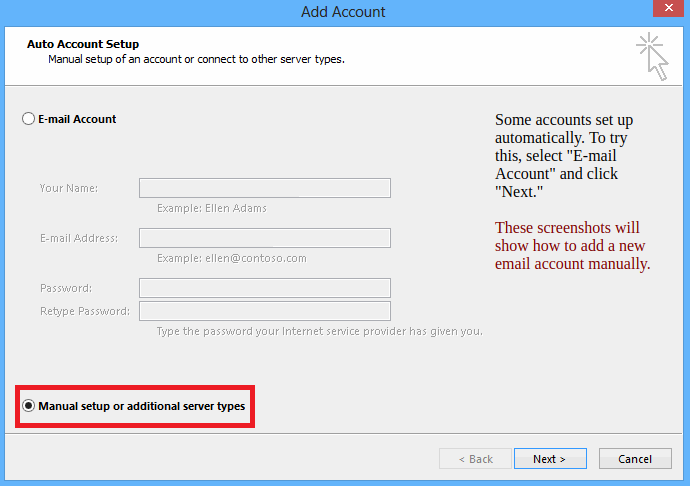
Step 3: Select the button marked “Manual setup or additional server types” then click “Next”
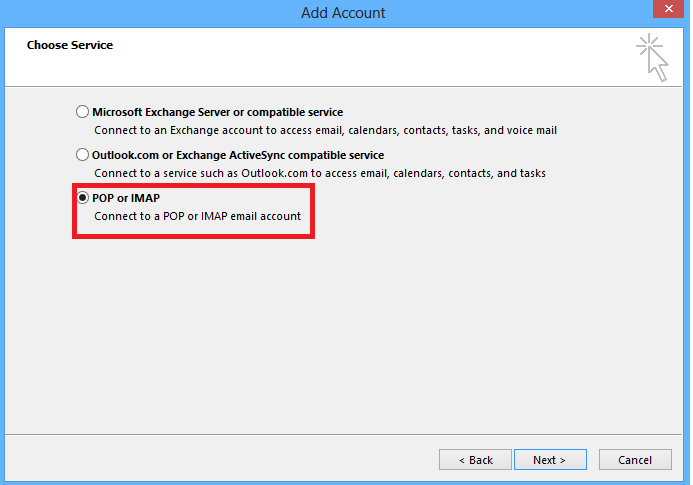
Step 4: Select POP or IMAP, then click “Next”
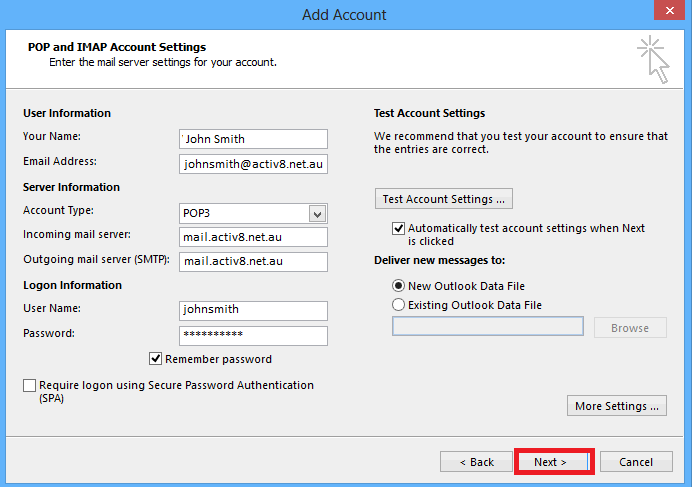
Step 5: Complete Form with the following information
User Information
Your Name: {First name and Surname}
E-mail Address: {Your activ8me E-mail address}
Server Information
Account Type: POP3
Incoming mail server: mail.activ8.net.au
Outgoing mail server (SMTP): mail.activ8.net.au
Logon Information:
User Name: Your activ8me username
Password: Provided by activ8me
(To change password Click Here)
User Information
Your Name: {First name and Surname}
E-mail Address: {Your activ8me E-mail address}
Server Information
Account Type: POP3
Incoming mail server: mail.activ8.net.au
Outgoing mail server (SMTP): mail.activ8.net.au
Logon Information:
User Name: Your activ8me username
Password: Provided by activ8me
(To change password Click Here)
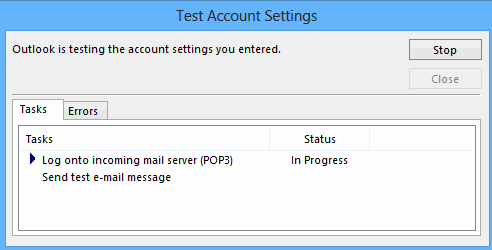
Step 6: The system will now test the connection properties.
Once status complete click “Close”
Once status complete click “Close”
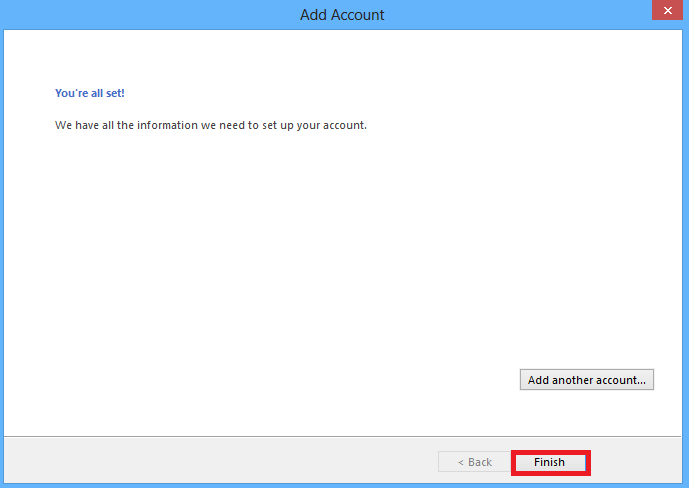
Step 7: Select finish to close the wizard. Outlook 2013 is now configured to send and receive through your mailbox.